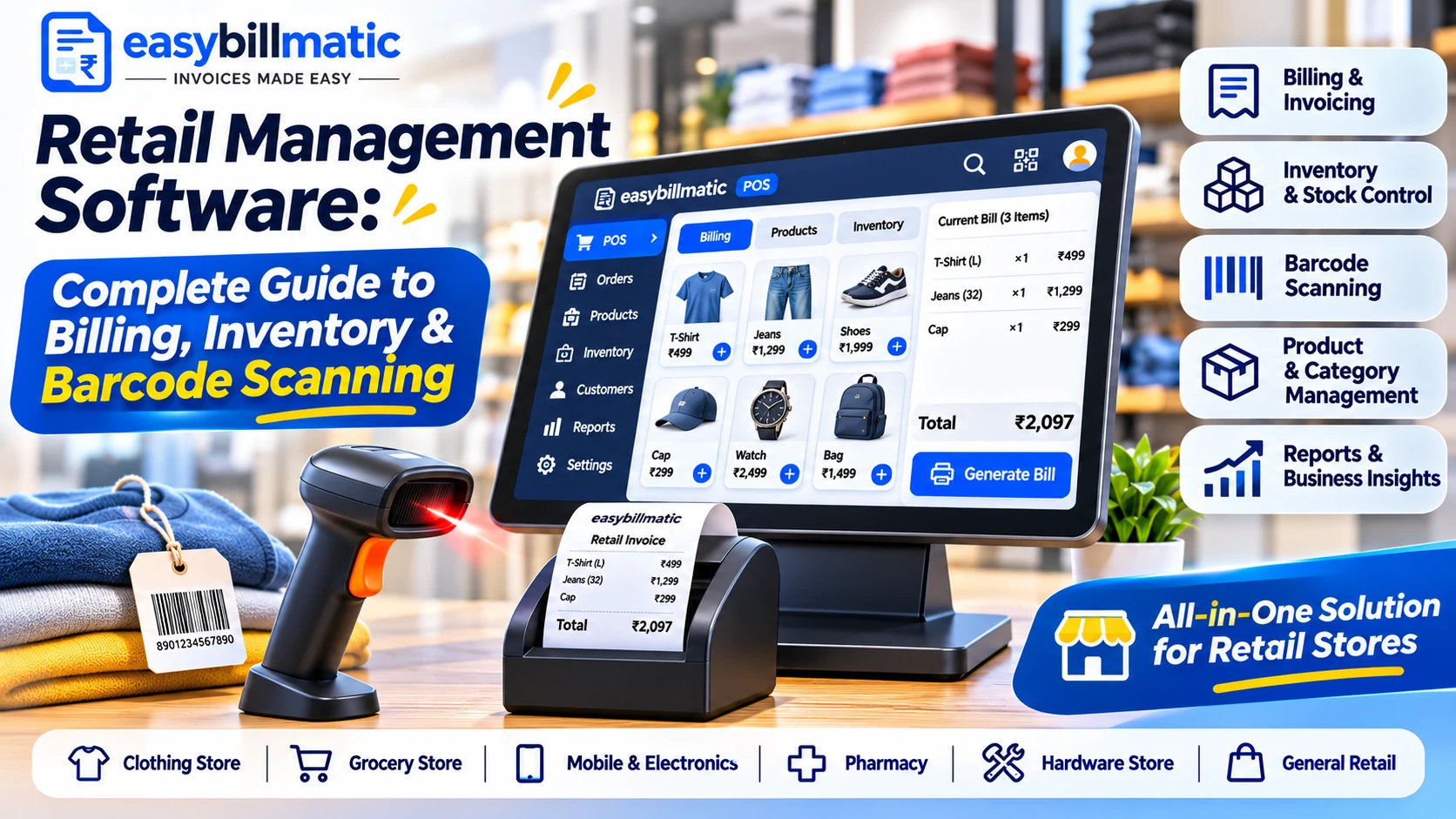
Discover how retail management software simplifies billing, barcode scanning, inventory tracking, purchases and sales reports. Explore essential features and benefits for grocery stores, supermarkets and retail shops.
In this article
- What Is Retail Management Software?
- How Does Retail Management Software Work?
- Essential Features of Retail Management Software
- 1. Fast Retail Billing
- 2. Barcode Scanning
- 3. Inventory and Stock Management
- 4. Product and Category Management
- 5. Purchase and Supplier Management
- 6. GST Billing and Invoice Management
- 7. Customer Management
- 8. Sales Reports and Analytics
- Benefits of Retail Management Software for Shop Owners
- Which Businesses Need Retail Management Software?
- Grocery Stores and Supermarkets
- Clothing and Fashion Stores
- Electronics and Mobile Shops
- General Stores
- Wholesale and Distribution Businesses
- How to Choose the Right Retail Billing Software?
- How EasyBillMatic Helps Retail Businesses
- Frequently Asked Questions
- 1. What is retail management software?
- 2. Is retail management software suitable for small shops?
- 3. Can retail software support barcode scanners?
- 4. Can retail management software track stock?
- 5. Does retail billing software support GST invoices?
- 6. Can I use a thermal printer with retail POS software?
- 7. What is the difference between retail POS and retail management software?
- Conclusion
Retail management software helps shop owners manage product billing, inventory, barcode scanning, purchases, suppliers, customers, and sales reports from one system. Instead of maintaining separate registers and spreadsheets, retailers can use digital tools to organize daily operations, reduce manual work, and improve business efficiency.
Whether you operate a grocery shop, supermarket, clothing store, electronics shop, mobile store, or general retail business, the right software can simplify everyday retail operations.
What Is Retail Management Software?
Retail management software is a digital business solution designed to manage the activities involved in running a retail store. It combines important functions such as billing, product management, stock tracking, purchasing, customer management, and sales reporting.
A retail business needs to manage hundreds or thousands of products, prices, quantities, suppliers, and customer transactions. Handling all these activities manually can become difficult as the business grows.
A modern retail management system helps organize these activities through a centralized platform, allowing business owners and employees to manage products and sales more efficiently.
How Does Retail Management Software Work?
A retail management system connects the main activities involved in selling products and managing store operations.
- Add Products: Create product records with names, categories, prices, brands, and stock quantities.
- Organize Categories: Group products into categories to make product selection easier.
- Scan Barcodes: Scan compatible product barcodes to identify products during billing.
- Create Bills: Add products, adjust quantities, calculate discounts, and generate customer invoices.
- Record Payments: Record cash, card, UPI, or other supported payment methods.
- Update Stock: Maintain inventory records based on completed transactions.
- Manage Purchases: Record incoming stock and supplier purchases.
- Review Reports: Monitor sales, purchases, stock, and business performance.
Essential Features of Retail Management Software
1. Fast Retail Billing
Retail billing software helps employees create customer invoices quickly. Products can be selected through search, category browsing, or compatible barcode scanners.
The system calculates quantities, product prices, discounts, and applicable taxes to generate organized customer bills.
2. Barcode Scanning
Barcode scanning is an important feature for retail stores that sell multiple products. Instead of searching for every item manually, employees can scan product barcodes to add the corresponding products to the billing screen.
This can improve checkout efficiency, especially in supermarkets, grocery stores, and stores with large product catalogs.
3. Inventory and Stock Management
Inventory management helps retailers monitor available stock, product quantities, and stock movements.
Depending on the software, retailers can maintain stock records, review product availability, identify low-stock items, and organize inventory information.
4. Product and Category Management
Retail businesses often sell products across different categories and brands. Product management tools help organize product names, prices, categories, brands, and other important details.
A properly organized catalog makes it easier for employees to find products during billing.
5. Purchase and Supplier Management
Retail stores regularly purchase products from wholesalers, distributors, and manufacturers. Purchase management helps record supplier details, incoming stock, purchase transactions, and purchase orders.
Organized purchase records make it easier to monitor stock replenishment and supplier activity.
6. GST Billing and Invoice Management
Retail businesses in India may need to generate invoices with applicable tax details. Suitable billing systems allow businesses to configure tax rates and organize invoice records according to their requirements.
Always configure invoices according to applicable GST rules and your business registration requirements.
7. Customer Management
Customer management allows retailers to maintain customer information and review purchase history. Organized customer records can support better customer service and help businesses understand purchasing patterns.
8. Sales Reports and Analytics
Sales reports provide useful information about store performance. Retailers can review sales transactions, revenue, product performance, and business activity over selected periods.
These insights can help business owners understand which products are performing well and where improvements may be needed.
Benefits of Retail Management Software for Shop Owners
- Faster Checkout: Simplifies product selection and customer billing.
- Better Inventory Visibility: Helps monitor product availability and stock records.
- Reduced Manual Work: Organizes repetitive billing and purchase activities.
- Improved Accuracy: Calculates product totals and applicable taxes automatically.
- Organized Purchases: Maintains supplier and purchase information.
- Better Business Insights: Provides sales and inventory reports.
- Professional Invoices: Generates organized customer bills and receipts.
Which Businesses Need Retail Management Software?
Grocery Stores and Supermarkets
Grocery stores and supermarkets manage many products with different prices, brands, and stock quantities. Barcode scanning, billing, and inventory management can help organize daily checkout and stock operations.
Clothing and Fashion Stores
Clothing retailers manage products with different sizes, colors, styles, and variations. Product organization and inventory tracking can help maintain accurate product records.
Electronics and Mobile Shops
Electronics retailers need to manage product details, prices, stock, and customer transactions. A suitable system can help organize product catalogs and sales records.
General Stores
General stores sell products across multiple categories. Digital billing and inventory tools can help employees find products, create bills, and monitor stock availability.
Wholesale and Distribution Businesses
Wholesale businesses can use purchase management, supplier records, product catalogs, and sales reports to organize their operations.
How to Choose the Right Retail Billing Software?
Before selecting a solution, consider the requirements of your store and compare the available features.
- Simple and fast billing interface.
- Barcode scanner compatibility.
- Product and category management.
- Inventory and stock tracking.
- Purchase and supplier management.
- GST invoice configuration where required.
- Thermal printer compatibility.
- Customer and payment management.
- Sales and inventory reports.
- Data backup and security.
- Transparent pricing and technical support.
Choose software that supports your current operations and can accommodate your business as it grows.
How EasyBillMatic Helps Retail Businesses
EasyBillMatic provides POS solutions designed to help retail businesses organize billing, product management, inventory, and daily sales activities.
Retail businesses can explore features such as:
- Fast product billing and invoice generation.
- Product catalog and category management.
- Barcode scanner support.
- Retail inventory and stock management.
- Purchase and supplier management.
- Customer and payment management.
- Sales reports and business insights.
- Thermal receipt printing support.
With organized product information and digital billing workflows, retailers can simplify everyday store operations and reduce dependence on manual records.
Explore EasyBillMatic POS solutions to learn more about retail billing and business management.
Frequently Asked Questions
1. What is retail management software?
Retail management software is a digital solution used to manage retail billing, products, inventory, purchases, suppliers, customers, and sales reports.
2. Is retail management software suitable for small shops?
Yes. Small shops, grocery stores, clothing stores, and other retailers can use digital systems to organize billing, product records, inventory, and sales transactions.
3. Can retail software support barcode scanners?
Many retail POS systems support compatible barcode scanners, allowing employees to identify products and add them to customer bills quickly.
4. Can retail management software track stock?
Many systems include inventory management features that help retailers maintain stock records, review product quantities, and manage incoming purchases.
5. Does retail billing software support GST invoices?
Suitable billing systems can support GST invoice configuration. Businesses should configure their tax details according to applicable GST requirements.
6. Can I use a thermal printer with retail POS software?
Many POS systems support compatible thermal printers for generating customer receipts. Always verify printer compatibility before purchasing hardware.
7. What is the difference between retail POS and retail management software?
Retail POS generally focuses on sales transactions and checkout. Retail management software can include additional functions such as inventory, purchases, suppliers, customers, and business reports.
Conclusion
Managing a retail store requires coordination between billing, product catalogs, inventory, purchases, suppliers, and customer transactions. Retail management software helps organize these activities through digital workflows.
From grocery shops and supermarkets to clothing and electronics stores, the right solution can help improve checkout efficiency and provide better visibility into daily business operations.
Visit EasyBillMatic to explore POS solutions for retail businesses and simplify your store management activities.